info@fmf.co.th
 (+66) 097-034-6625
 LINE it!
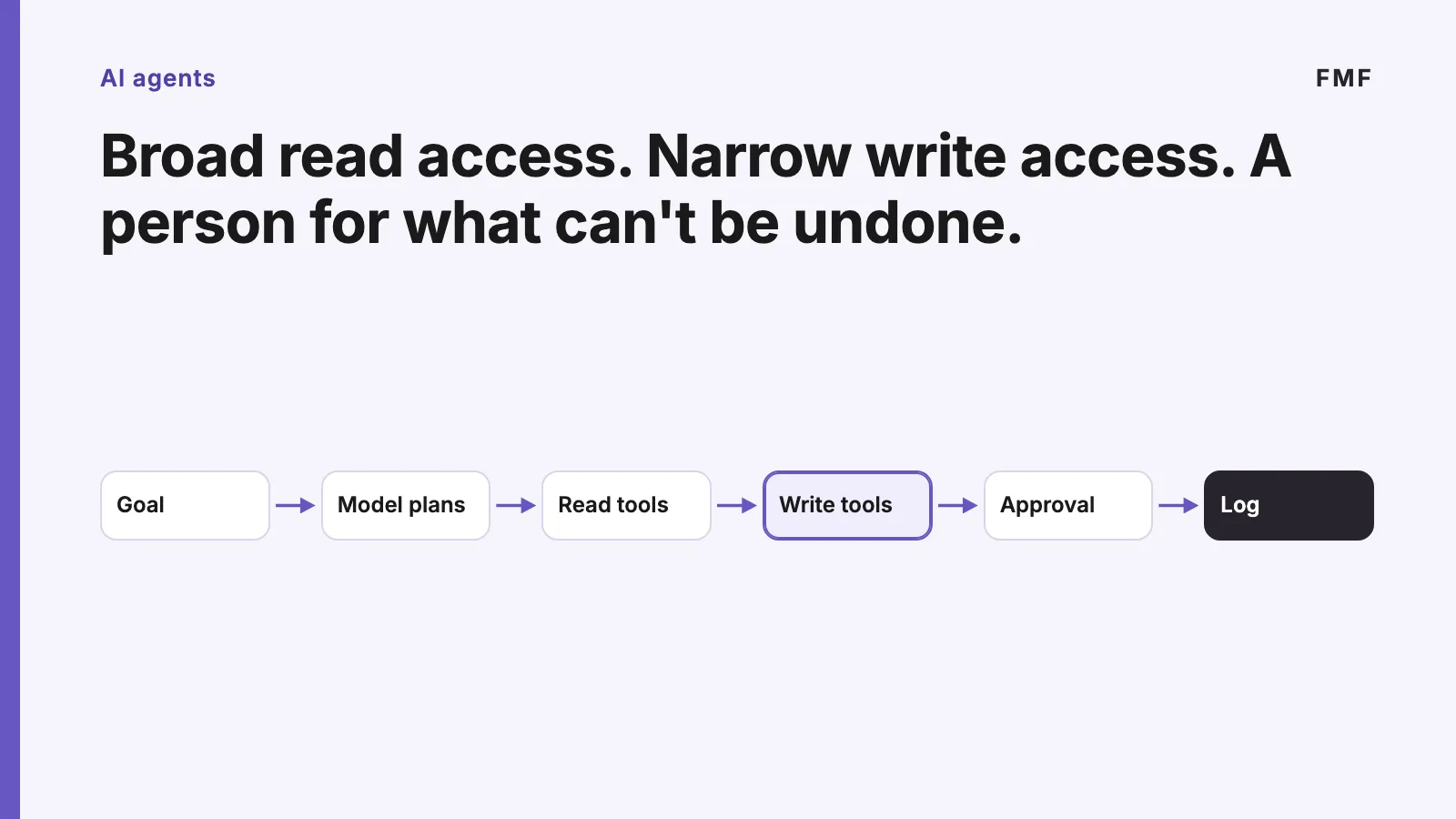
An AI agent is software that is given a goal, decides which steps to take, and carries them out by using tools: reading a database, searching documents, filling a form, sending a message, updating a record. For a business it is worth building when a task is repeated, follows a recognisable pattern but needs some judgement, and touches several systems. It is safe to run when the tools it can use are limited, its actions are checked, and a person approves anything that is hard to undo.
This guide is for managers who have seen AI assistants answer questions and now want AI to do work. It explains how agents differ from chatbots and automation scripts, which tasks suit them, how to set permissions and approvals, and how to measure them. It uses how FMF runs AI agents on its own systems as the worked example, and points to the published client projects where AI was integrated into business processes.
Chatbot, automation script or AI agent?
| Chatbot or assistant | Rules-based automation (RPA, scripts) | AI agent | |
|---|---|---|---|
| What it does | Answers questions | Repeats fixed steps exactly | Plans steps toward a goal and uses tools |
| Handles variation | In language, yes | No; breaks when a screen or format changes | Yes, within the tools and rules it is given |
| Changes your systems | No | Yes, exactly as scripted | Yes, so permissions and approvals matter |
| Main risk | A wrong answer | Silent failure when inputs change | A wrong action |
| Best for | Questions from documents | High-volume, unchanging steps | Variable tasks across several systems |
Many good solutions combine them: a fixed script for the steps that never change, and an agent only for the part that needs judgement, such as reading an unstructured email or deciding which record to update.
What an agent is made of
The parts of a business AI agent
The model is one part of five. The other four decide whether the agent is safe to run.
- 1 · GoalTask and instructionsWhat done looks like, what is out of bounds
- 2 · ModelPlans the next stepReads results, decides what to do next
- 3 · Tools
- Read: search, query, fetch a record
- Write: update, send, submit, publish
- 4 · GuardrailsLimits and approvalAllowed actions, caps, a person for hard-to-undo steps
- 5 · RecordLog of every actionReviewed, so mistakes are found and fixed
Where agents pay off in a business
Good first tasks share four traits: they happen often, today they take a person minutes rather than seconds, the inputs vary, and a mistake can be caught before it reaches a customer. Some examples by function:
- Sales and lead handling: read an incoming enquiry, look up the company, fill the CRM record, draft a reply for a salesperson to send.
- Back office: read supplier invoices or delivery notes, match them to purchase orders, and queue mismatches for a person.
- Reporting: pull figures from several systems every week, compare them with last week and write the summary, with the numbers linked to their source.
- Operations: watch a queue of requests, collect the missing information from the requester, and route the complete request to the right team.
- Marketing and web: check pages for broken links or outdated information and prepare the fix for approval.
Poor first tasks are the opposite: rare, high-stakes decisions such as credit approval or hiring; anything where a mistake cannot be reversed; and tasks where nobody can say what a correct result looks like.
How FMF runs AI agents on its own systems
FMF uses AI agents in its own daily work, not only in client projects. Two internal examples show the guardrails we consider necessary. Neither is a client project, and no client data is involved.
Website changes through review and an automated gate
Changes to the fmf.co.th website, including articles like this one, are prepared by AI coding agents working with our team. An agent never changes the live site directly. It works on a separate branch and opens a pull request. An automated check then renders the whole site and blocks the release if it finds broken internal links, pages left without links, sitemap or canonical errors, or PHP warnings. A person reviews and merges. The deployment runs the same check again, and if it fails, nothing is deployed.
FMF's own agent workflow for website changes
Internal FMF process. The agent can propose any change; only a passing check and a person can release it.
- AgentEdits on a separate branchNo access to the live site
- ProposalOpens a pull requestEvery change visible as a diff
- Automated gateSite-wide checkBroken links, orphan pages, sitemap, canonical, PHP warnings
- PersonReviews and mergesApproval is a human step
- ReleaseCheck runs again, then deployA blocking failure stops the release
Data access with write switches a person controls
Our agents read Search Console, GA4, Bing Webmaster Tools, Tag Manager and Clarity data through a connector FMF built for this purpose. It exposes 59 tools. By default agents see only the 48 read-only ones. The 11 tools that change something, such as submitting URLs for indexing or editing Tag Manager, stay hidden until a person turns on a switch, and each call must also be explicitly confirmed. Publishing a Tag Manager version needs a separate publish window that only a person can open, bound to one container and one version, which closes itself after one use. Every write is logged.
The pattern is general: give the agent broad read access so it can understand the situation, narrow write access so it can only do the task, and make the irreversible step a human one.
Permissions, approvals and limits
- Separate read tools from write tools, and grant write tools per task, not per agent.
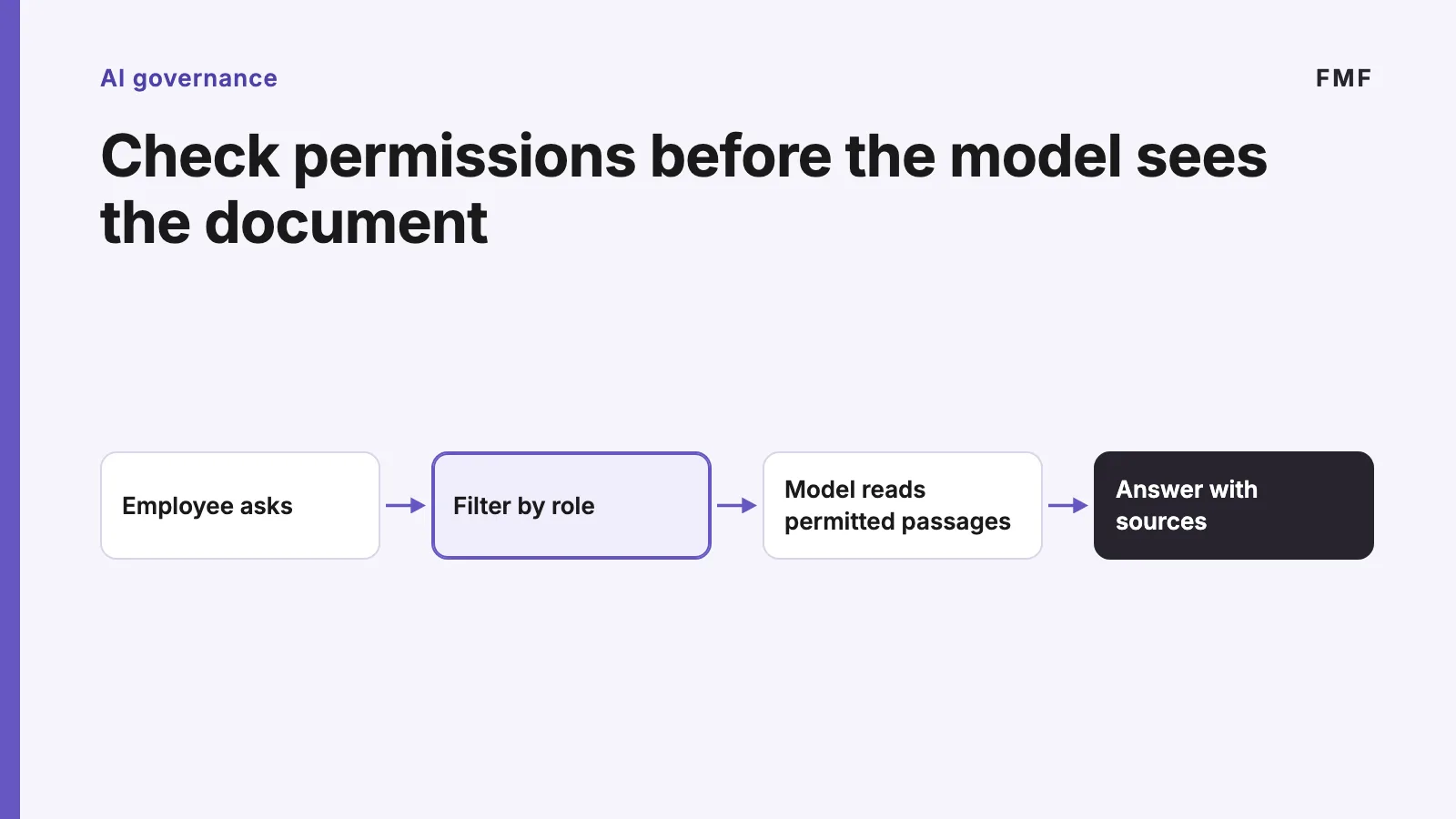
- Never more access than the person the agent works for. An agent drafting replies for a salesperson should see that salesperson's accounts, not the whole CRM.
- Approval for what is hard to undo: sending to customers, payments, deletions, publishing.
- Caps: number of actions per run, spending per day, records changed per batch.
- Treat incoming content as untrusted. An email or web page can contain text written to manipulate the agent. Limit what the agent can reach so that obeying such text could do little harm.
- A log you read. What it did, with which tool, on which record, and what the result was.
Our AI governance and data security checklist describes three levels of autonomy, from "recommend" to "act after approval" to "act alone within limits", and when to move between them.
Connecting an agent to your systems
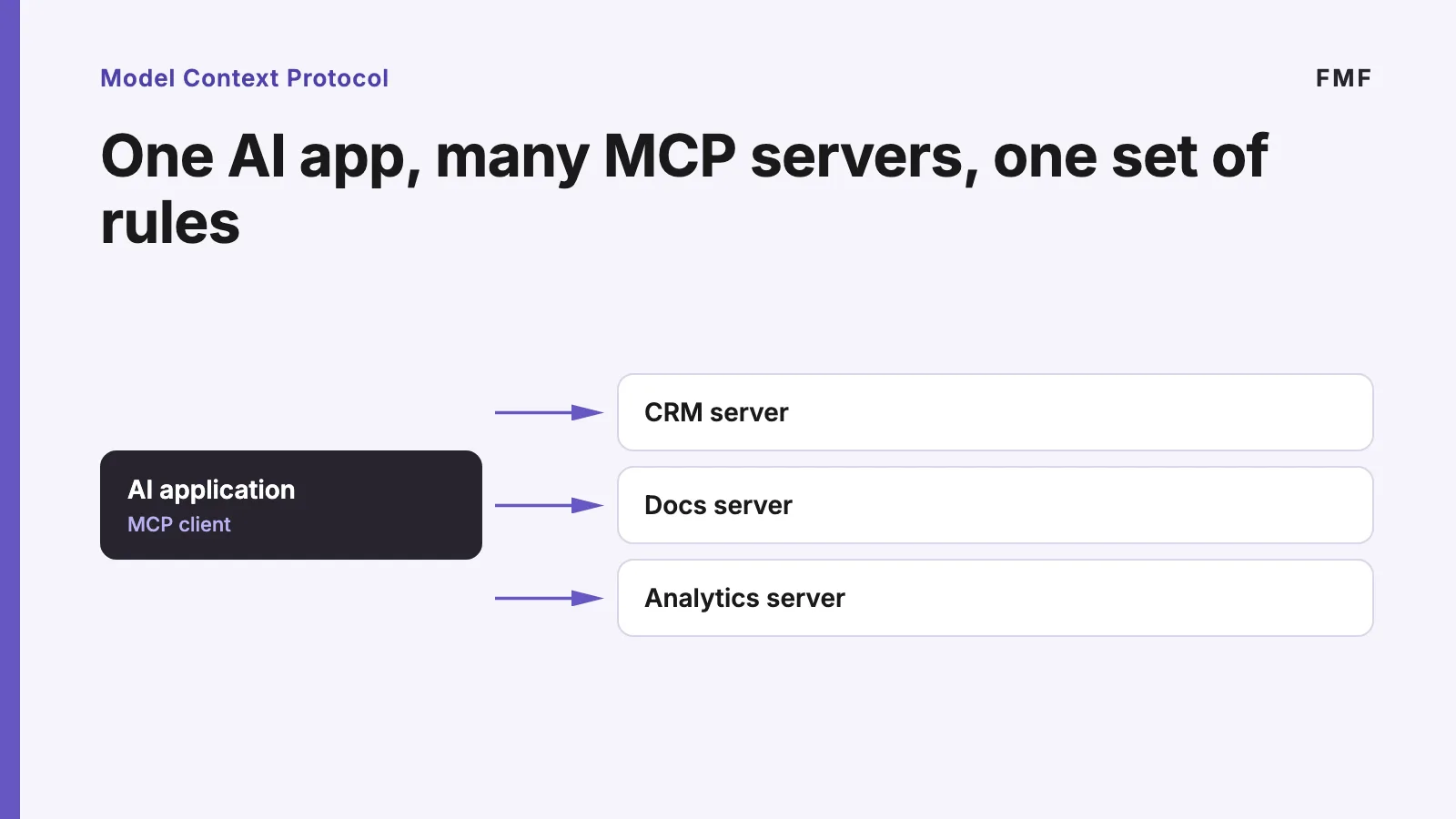
An agent is only as useful as the systems it can reach. In practice this means APIs for your CRM, ERP, booking or ticketing system, and a clear decision about which operations each one allows. The Model Context Protocol (MCP) is becoming the standard way to give agents tools; our MCP guide for business explains it. Where a system has no API, a rules-based integration may be needed first.
FMF's published integration work shows the groundwork. In the VIN data collection project, data is pulled from three external sources in parallel, failed requests are retried up to three times, and results go into internal systems and XLSX reports. That kind of reliable plumbing is what an agent's tools are built on.
How to measure an agent
| Metric | How to read it |
|---|---|
| Tasks completed correctly | Checked against a sample reviewed by a person, not the agent's own report |
| Approval rate | Share of proposed actions a person approves unchanged. Rising over time means the agent is learning the job; falling means something changed |
| Time per task | Including the person's review time, compared with the old process |
| Errors caught before impact | By the guardrails or the reviewer. Errors that reached a customer are the number to drive to zero |
| Cost per task | Model usage plus review time |
A first agent project in five steps
- Choose one task that is frequent, varied and reversible, and record how long it takes today and how often it goes wrong.
- List the tools it needs, split into read and write, and the systems and APIs behind them.
- Write the rules: what it may do alone, what needs approval, the caps, and who reviews the log.
- Run it in recommend mode on real work for two to four weeks, with a person doing every action.
- Move to act-after-approval when the approval rate is high and stable, and decide on unattended action only with that evidence.
FAQ
Do we need our own AI model?
Usually not. Most business agents use a hosted model through an API. What you build is the tools, the rules and the integration with your systems, and that is where most of the work and most of the value lie.
Can an agent replace a staff member?
It can take over defined tasks. Roles usually include judgement, relationships and exceptions that an agent should escalate. Plan for the agent to remove the repetitive part of a job, and measure that.
What happens when the agent makes a mistake?
With the design above, most mistakes are stopped by the guardrails or the reviewer. For the rest, the log shows what happened and the action can be reversed, which is why irreversible actions stay with people.
Is our data safe with an agent?
The agent sees what its tools return. Limit the tools, check where the model provider processes data, and apply PDPA duties to anything personal the agent reads or stores.
Next step
Pick one repeated task and write down its steps, the systems it touches and how often it goes wrong. That is enough to judge whether an agent, a script or a mix of the two is the right tool.
Tell us about the task you want to hand to an AI agent. We will map the tools and approvals it needs and propose a pilot you can measure.
Discuss an AI agent pilot Chat with us on LINE