info@fmf.co.th
 (+66) 097-034-6625
 LINE it!
The Model Context Protocol (MCP) is an open standard for connecting AI applications to data and tools. Instead of building a separate integration for every AI product, you build one MCP server for a system, such as your CRM, document store or analytics, and any AI application that supports MCP can use it. For a business, MCP is the practical way to let AI assistants and agents work with company systems, and its security depends on how you build and permission those servers.
This guide explains MCP for managers and IT leads: how it works, what it is useful for, the security risks, and how to decide what to connect first. It uses the MCP server FMF built for its own marketing data as a worked example.
How MCP works
The MCP specification defines three roles. A host is the AI application people use, such as a desktop assistant or a coding tool. Inside it, a client keeps the connection to each server. A server is a small service that offers access to one system. Messages use the JSON-RPC format, and the current version of the specification, dated 28 July 2026, makes each request self-contained so servers are easier to run and scale.
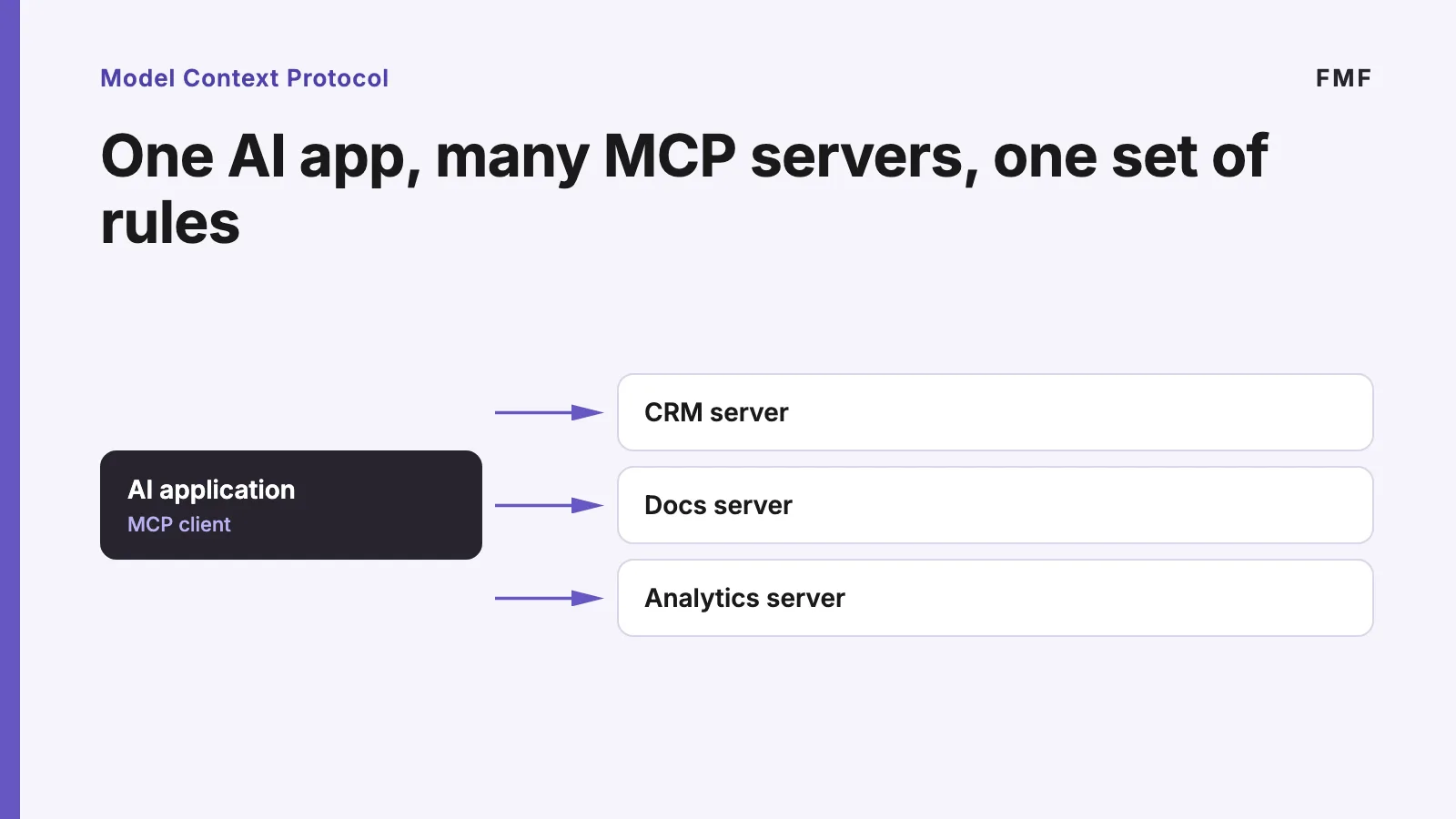
MCP in one picture
One AI application, several MCP servers, each guarding one company system.
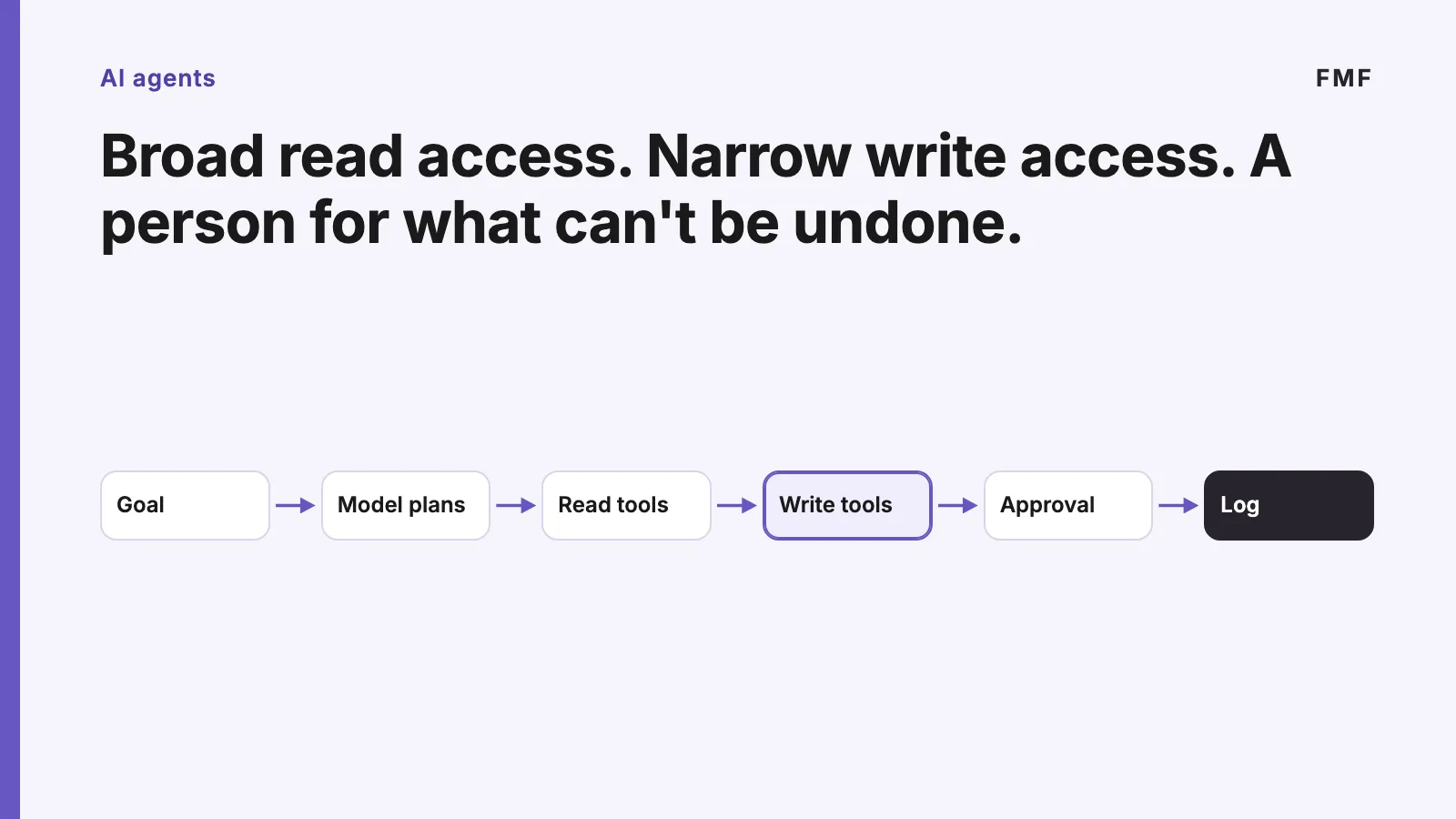
- PersonAsks or assigns a taskApproves tool use
- Host + clientAI applicationDesktop assistant, coding tool, company chat
- MCP servers
- CRM server: look up customer, create note
- Documents server: search policies and manuals
- Analytics server: run a report
- SystemsYour CRM, files and dataCredentials stay on the server side
A server can offer three kinds of capability:
- Tools: functions the model can call, such as "search orders" or "create ticket".
- Resources: data the user or model can read, such as a file or a record.
- Prompts: ready-made templates for common tasks.
MCP was introduced by Anthropic in November 2024 as an open standard and is now developed as a project hosted by the Linux Foundation. Major AI assistants, coding tools and agent frameworks support it, which is why one server can serve several AI products.
Why it matters for a business
- Build once, use in many AI tools. A server for your ERP works with any MCP-capable assistant your teams adopt, now or later.
- One place for access rules. The server decides which operations exist and with which credentials, instead of each AI product having its own integration and its own copy of a password.
- A clear boundary for audits. Every tool call passes through the server, so it can be logged and limited.
- Less lock-in. Changing the AI vendor does not mean rebuilding every integration.
A real example: FMF's MCP server for marketing data
FMF built an MCP server for its own use, so that AI assistants and agents can work with search and analytics data for the websites we manage. It is an internal FMF implementation, not a client project. It connects Google Search Console, GA4, Google Ads, Bing Webmaster Tools and IndexNow, Google Tag Manager and Microsoft Clarity, and it runs as one server for every AI tool on the machine.
What the agent sees, and what it does not
Tool list from FMF's MCP server, shortened. Real output, November 2026.
read · always available · 48 tools
  gsc_search_analytics
  gsc_inspect_url
  ga4_run_report
  ads_search            SELECT only
  bing_index_coverage
  gtm_plan_import       dry run
  clarity_get_insights
  …

write · hidden until a person turns writes on · 11 tools
  indexnow_submit
  bing_submit_urls
  gtm_save_entity
  gtm_publish_version   plus a one-time publish window
  …
Four design decisions in this server apply to almost any business MCP server:
- Read-only by default. The Google scopes requested are read-only wherever possible, and the Ads tool accepts only SELECT queries.
- Writes behind a switch a person controls, separately for each area: turning on indexing submissions does not unlock Tag Manager edits.
- The most dangerous action needs a second, narrower gate. Publishing a Tag Manager version requires a publish window that only a person opens, for one container and one version, for up to an hour, closing itself after a single publish.
- Secrets never reach the model. Tokens and API keys are kept in the operating system's keychain, not in files, tool arguments or chat.
Security risks to plan for
The specification itself is direct about this: tools can mean arbitrary code execution, hosts must get the user's consent before invoking a tool, and tool descriptions from servers you do not trust must be treated as untrusted. In practice, these are the risks we see most often.
| Risk | What happens | Control |
|---|---|---|
| Over-broad tools | A "run any SQL" tool lets one bad instruction delete or leak data | Narrow tools for specific operations; read and write separated |
| Prompt injection through data | A document or web page the agent reads contains instructions, and the agent follows them with its tools | Limit what each task can reach; approval for writes; treat retrieved content as untrusted |
| Untrusted servers | A third-party server's tool descriptions or behaviour are malicious or change after installation | Approved list of servers; review before installing; pin versions |
| Credential exposure | API keys placed in config files, prompts or logs | Secrets in a vault or keychain; OAuth for remote servers; short-lived tokens |
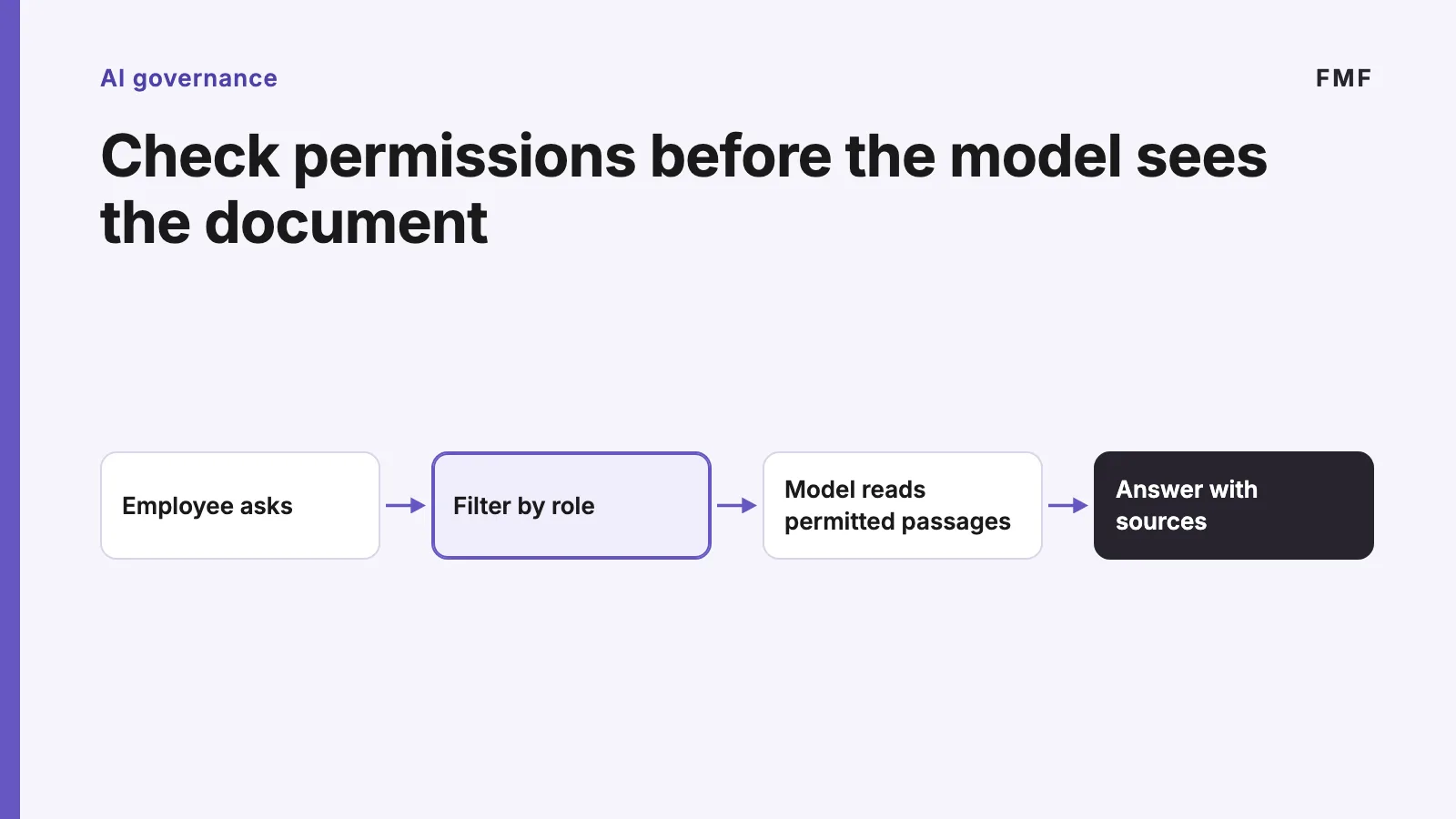
| Too much access per user | The server uses one powerful service account for everyone | Act with the user's own permissions where possible; never more than the user has |
| No audit trail | Nobody can say what the agent changed | Log every write: who, which tool, what input, what result |
These controls sit alongside the wider AI controls in our AI governance and data security checklist, including PDPA duties when a server returns personal data.
What to connect first
Start where reading data saves time and writing is rare:
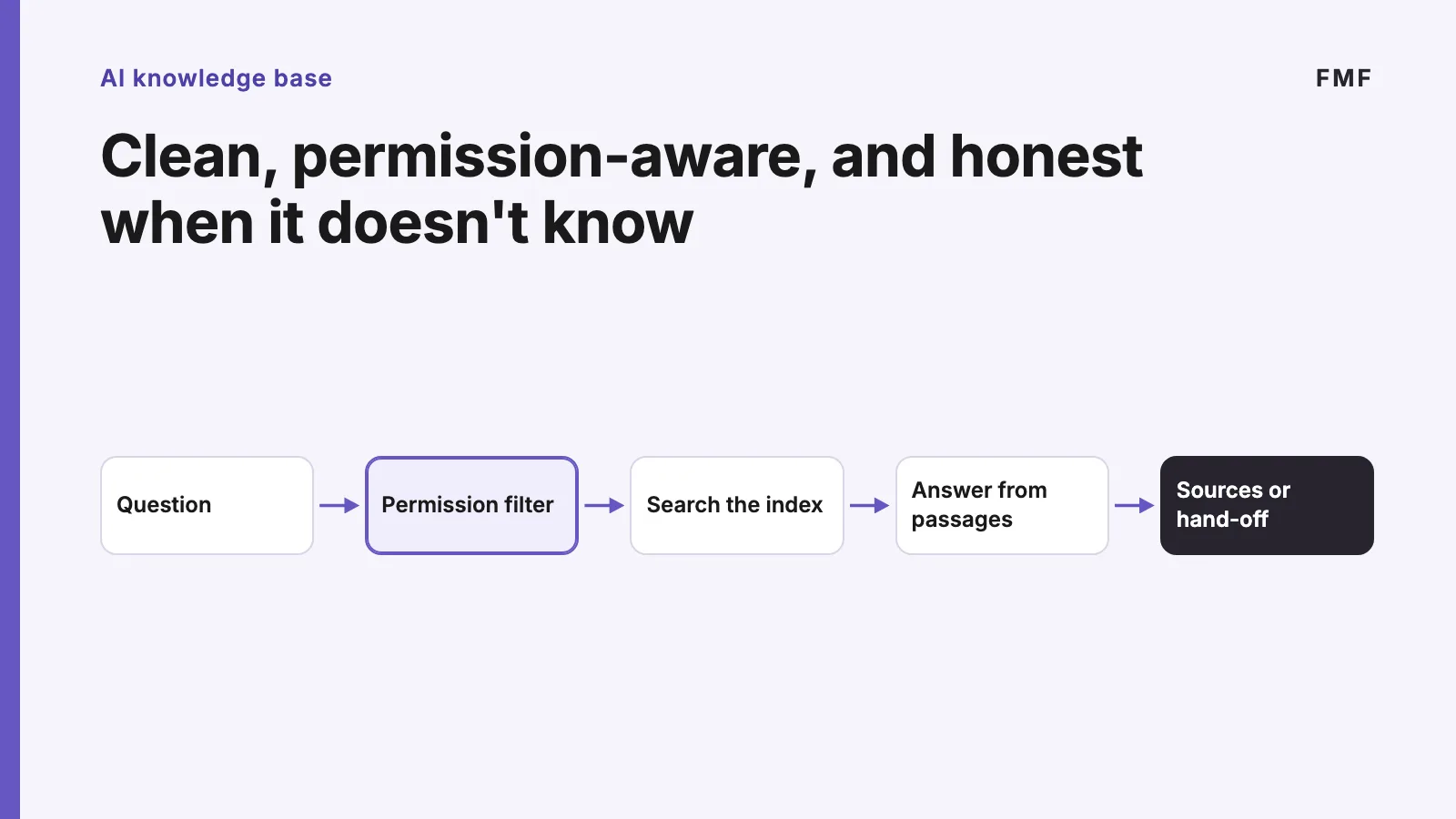
- Knowledge and documents: search policies, manuals and product information with the user's own permissions. See our guide to building an AI knowledge base.
- Reporting and analytics: let managers ask questions of sales, web or operations data in plain language.
- Ticketing or CRM lookups: read the customer's history before answering, write only notes or drafts.
Leave write access to finance, orders and customer communications until the read-only servers have proved themselves and you have approval steps in place. For when an agent should act on its own, see AI agents for business.
Build, buy or both?
Many software vendors now publish official MCP servers for their products. Use them when they exist, they come from the vendor, and their permissions fit your needs. Build your own when the system is in-house, when you need narrower tools than the vendor offers, or when you want to combine several systems behind one set of rules, as in the example above. A custom server is usually a small service; the real work is choosing the tools, the permissions and the logging.
FAQ
Is MCP only for developers?
Developers build servers, but the people who benefit are users of AI assistants who can then work with company systems without copying data back and forth. Choosing which systems to connect and what each may do is a business decision.
Does MCP send our data to the AI provider?
The results of tool calls are given to the model, so if the model is hosted by a provider, those results reach it. Design tools to return only the fields a task needs, and check the provider's retention and processing location.
Can an MCP server run inside our network?
Yes. A server can run on a user's computer, connected locally, or as a remote service in your own infrastructure. Remote servers should use proper authorization; the specification bases this on OAuth.
How is MCP different from a normal API?
An MCP server usually calls your existing APIs. What it adds is a standard way for AI applications to discover what tools exist, what they do and how to call them, plus consent and approval steps designed for AI use.
Sources
- Model Context Protocol specification (version 2026-07-28): architecture, server features, security principles.
- OWASP Top 10 for LLM Applications: prompt injection and excessive agency.
Next step
List the three systems your team copies data out of most often to paste into an AI assistant. Those are your first MCP candidates, and the list of operations people actually need tells you how narrow each server can be.
Planning to connect AI to your company systems? We will help you choose the first MCP servers, design the tools and permissions, and build them.
Discuss MCP integration Chat with us on LINE