info@fmf.co.th
 (+66) 097-034-6625
 LINE it!
To integrate AI with existing business systems such as Jira, a CRM or an ERP, connect the AI to the system's API or webhooks, decide exactly which data it may read and which fields it may change, and test it on real cases before it writes anything. Start with one workflow. Use the AI built into your tools or a no-code platform such as Zapier for simple, low-volume tasks, and a custom integration when you need control over data, volume, cost or several systems at once.
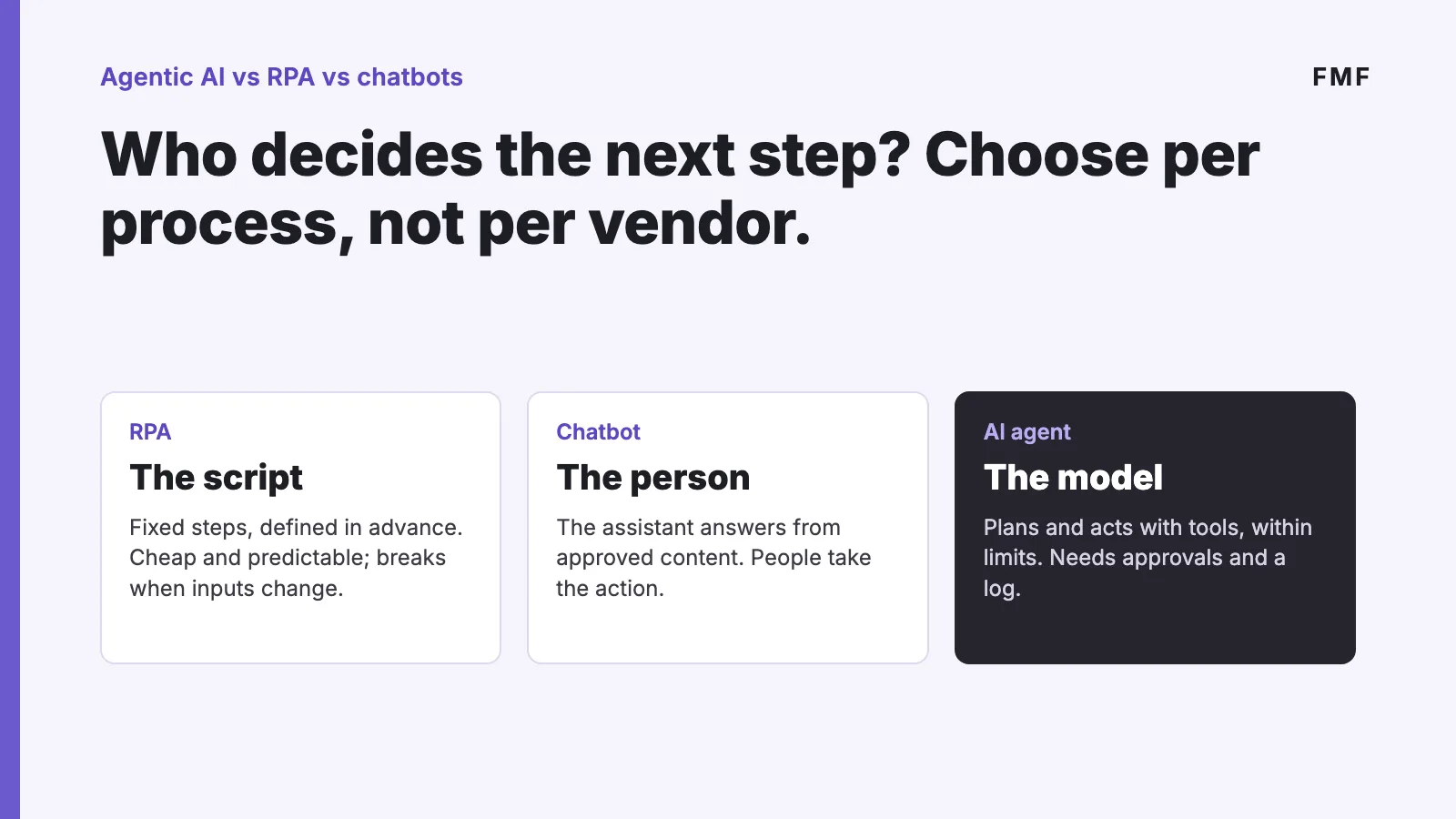
This guide is for IT and operations managers who want AI to work inside the systems the team already uses, rather than in a separate chat window. It covers the four ways to connect AI, what to prepare before development, the security and data rules, and a short rollout plan. If you are still deciding whether the task needs AI at all, read agentic AI vs RPA vs chatbots first.
Four ways to connect AI to your systems
| Approach | How it works | Good for | Limits |
|---|---|---|---|
| AI built into the tool | The vendor's own AI features inside Jira, the CRM or the helpdesk | Summaries and drafts on data that already lives in that one tool | Sees only that tool's data; little control over models, prompts and logging |
| No-code workflow platform | A trigger (new ticket, new form) runs an AI step, then an action in another app, in Zapier, Make or Power Automate | Low-volume tasks between popular SaaS apps; quick pilots | Per-task pricing grows with volume; harder to test, version and audit; data passes through another vendor |
| Custom API integration | Your own service receives webhooks, calls the model and writes back through the systems' APIs | Volume, internal or on-premise systems, strict data rules, several systems in one flow | Needs development and someone to maintain it |
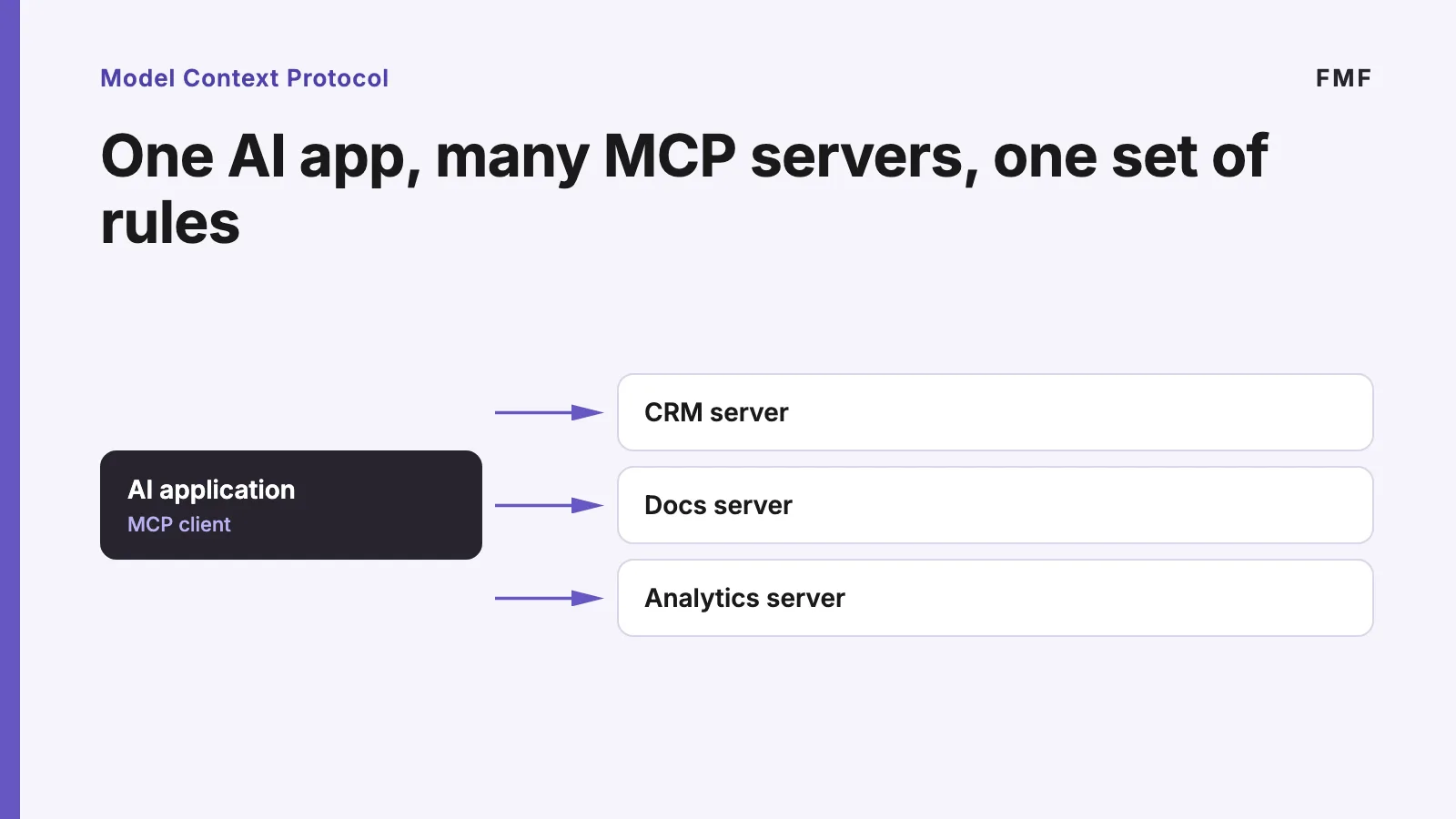
| Tools for an assistant or agent | The systems are exposed as tools, often through the Model Context Protocol (MCP), so an assistant can read and act on request | Staff asking an assistant to look up, update or prepare work across systems | Permissions and approvals must be designed carefully; see our MCP guide |
The approaches combine. A common path is to prove value with a no-code pilot, then move the workflow to a custom integration once volume, data rules or reliability make the platform the weak point.
What a typical integration looks like
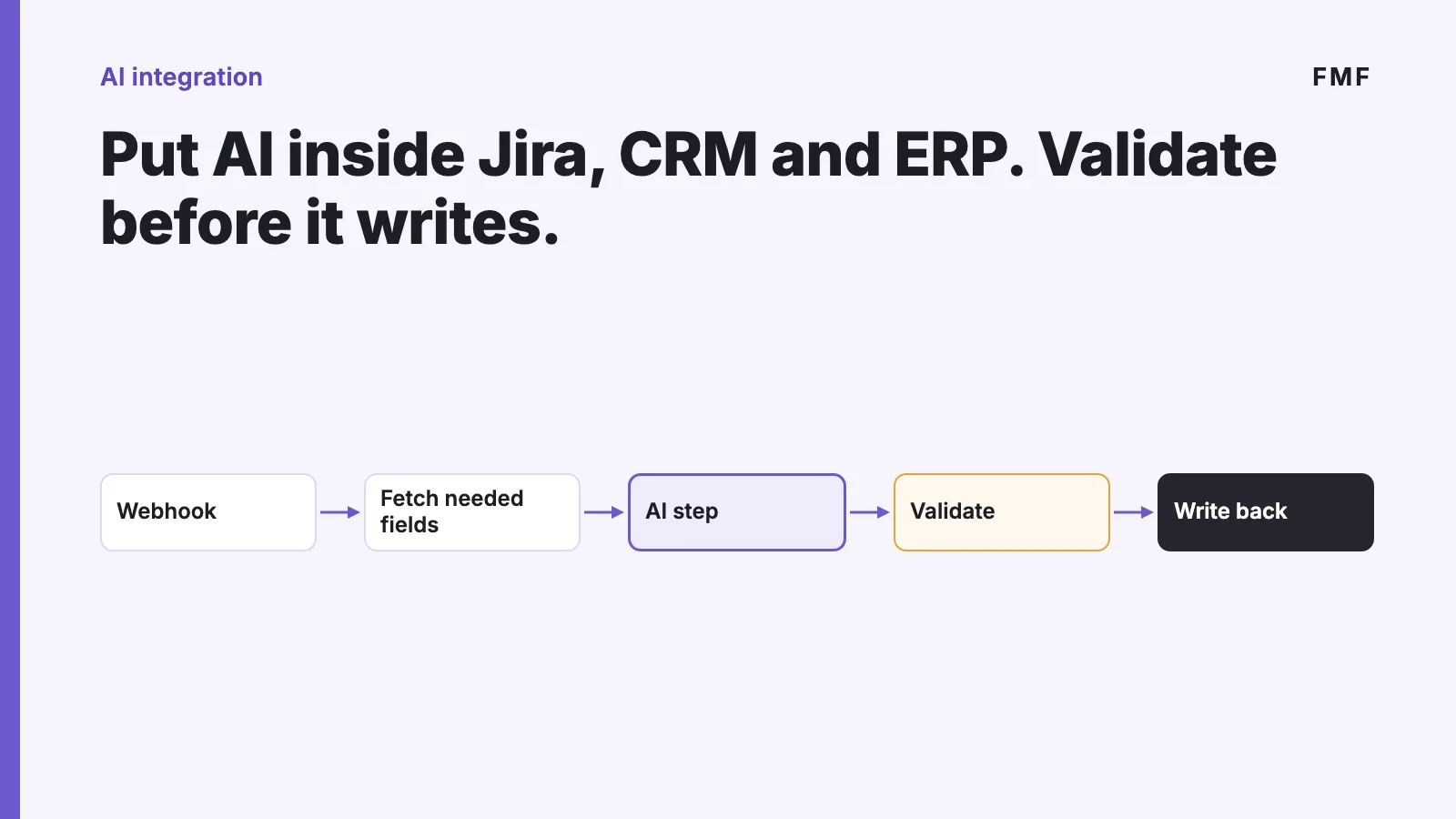
One AI step inside an existing workflow
Example: triaging new Jira tickets. Hypothetical illustration.
- TriggerNew ticket webhookJira sends the ticket ID
- FetchOnly the needed fieldsTitle, description, product
- AIClassify and summariseReturns structured output
- ValidateRules check the resultAllowed labels only, confidence threshold
- Write backLabel and commentA person confirms the assignee
The same pattern applies to other systems: a new CRM enquiry is enriched and scored before a salesperson sees it; a supplier document is read and matched to a purchase order in the ERP, with mismatches sent to a person; a support email is classified and a draft reply attached to the case.
Prepare these before development
- One workflow and its current numbers. How many cases a month, how long each takes, how often it goes wrong. Without a baseline, nobody can say whether the AI helped.
- The source of truth for each field. If a customer name can be edited in both the CRM and the ERP, decide which system wins and who resolves conflicts.
- API access and limits. Which operations each system's API allows, its rate limits, and whether you need a paid plan or an admin to create credentials. Systems without an API may need a database connection, file export or screen automation first.
- Stable reference IDs. Every record the integration touches needs an ID, so a retried request updates the same record instead of creating a duplicate.
- The output format. Define what the AI must return, such as one of eight labels, a summary under 50 words and a confidence score, so the integration can check it before writing.
- Test cases. 50–100 real, anonymised examples with the correct result, including the awkward ones. These become the acceptance test.
Security and data rules
- A dedicated service account per integration, with only the permissions the workflow needs. Never a personal admin account.
- Send the model only the fields it needs. Strip personal data that does not affect the result. Check where the model provider processes and stores data, and whether it uses your data for training.
- Keep write access narrow. Adding a label or a comment is low risk. Changing amounts, closing tickets or emailing customers should need approval until accuracy is proven.
- Treat incoming text as untrusted. A ticket or email can contain instructions written to mislead the model. Validate the AI's output against allowed values before it reaches your systems.
- Log every call: what was sent, what came back, what was written, and by which integration.
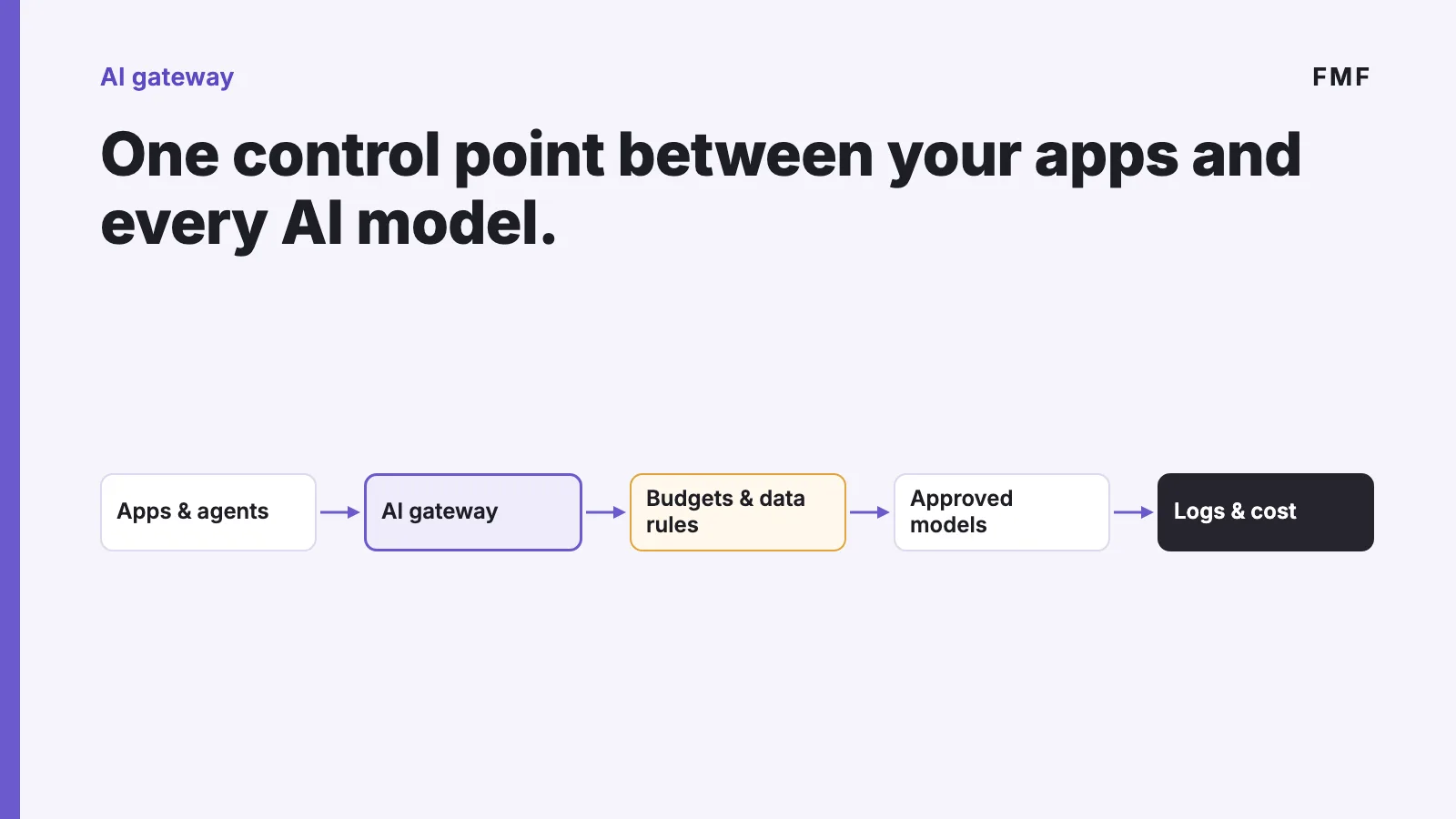
For PDPA duties, model-provider questions and a pre-launch checklist, see our AI governance and data security guide. Companies connecting several teams to several model providers often add an AI gateway to centralise keys, logging and cost limits.
Reliability: what breaks in production
- Timeouts and outages at the model provider or the target system. Queue the work and retry with a limit; never lose the case.
- Duplicate writes when a retry succeeds twice. Use the reference ID to make writes idempotent.
- Format drift. The model occasionally returns output that does not match the schema. Reject it and send the case to a person.
- Silent quality drops after a model update or a change in the incoming data. Re-run the test cases on a schedule and review a sample of live results.
FMF's published integration work deals with the same issues outside AI. In the VIN data collection project, the system requests data from three external sources in parallel, repeats requests when data is incomplete, stops after three attempts, generates XLSX reports and integrates the results into the client's internal systems. In the KIA Used Cars photo analysis project, FMF integrated an AI model into the client's backend through a REST API, deployed on a dedicated server for real-time processing.
A rollout plan in five steps
- Inventory: list the systems in the workflow, their APIs, owners and data rules.
- Pilot one workflow in suggest mode: the AI writes a suggestion, such as a comment or draft, and people decide. Measure accuracy against the test cases and on live work.
- Harden: add queueing, retries, idempotent writes, output validation, logging and alerts.
- Allow limited writes where accuracy and error severity meet the thresholds you set, keeping approval for anything hard to undo.
- Extend to the next workflow, reusing the same service account model, logging and test approach.
FAQ
Can we connect AI to Jira without development?
Yes, for simple tasks. Jira's built-in AI features or a no-code platform can summarise or classify tickets. A custom integration becomes worthwhile when you need your own rules, other systems in the same flow, higher volume or full logging.
Do we need to replace our old systems first?
Usually not. If a system has an API, AI can work with it as it is. If it has no API, a database connection, scheduled export or a small adapter is often enough.
Will our data be used to train the AI model?
That depends on the provider and the plan. Business API plans commonly offer terms that exclude training on your data, but check the current terms and data-processing location for the provider you choose.
How long does a first integration take?
It depends on the systems and their APIs. One workflow between two systems with documented APIs is a weeks-long project, not months. Undocumented or on-premise systems take longer.
Illustrative budget
Planning scenario. These figures apply FMF's standard rate of THB 1,000 per hour to hypothetical inputs. FMF quotes each project after scoping.
For one workflow between two systems with documented APIs, suggest mode, validation and logging, assume 96 hours of delivery work (12 eight-hour days) at THB 1,000 per hour: a THB 96,000 build. Model usage and hosting depend on volume and are usually the smaller part of the running cost; the larger part is the time people spend reviewing suggestions in the first weeks.
Next step
Pick one workflow, list the systems it touches and note which fields the AI would read and which it would change. That is enough to choose the integration approach and estimate the work.
Connect AI to your systems with FMF
FMF can review one workflow, check the APIs of the systems involved, and build an AI integration with validation, logging and human approval where it matters. Tell us the workflow, the systems (for example Jira, your CRM or ERP) and what the AI should read and change.
Explore AI integration services and see the VIN data integration case.
Discuss an AI integration Chat with us on LINE