info@fmf.co.th
 (+66) 097-034-6625
 LINE it!
RPA repeats fixed steps exactly, a chatbot answers questions, and agentic AI plans and carries out steps toward a goal using tools. Choose RPA when the inputs and screens never change, a chatbot when people need answers rather than actions, and an AI agent only when a task varies from case to case, crosses several systems and can be checked before a mistake does harm. Most real processes need a mix: fixed automation for the stable steps and an agent for the part that needs judgement.
This guide is for operations, IT and business managers who are choosing between these technologies for a specific process. It compares how each one works, what it costs to run and maintain, where each one fails, and gives a short method for choosing per process rather than per vendor pitch. For the guardrails an agent needs once you have chosen one, see our guide to AI agents for business.
How each technology works
RPA and rules-based automation
Robotic process automation (RPA) records or scripts a sequence of steps and repeats it: open a screen, copy a field, paste it elsewhere, click submit. Integration scripts and workflow tools that call APIs follow the same principle. The logic is written in advance, so the result is predictable and easy to audit. The weakness is the same property: when a screen layout, file format or field name changes, the script stops or, worse, keeps running on the wrong data.
Chatbots and AI assistants
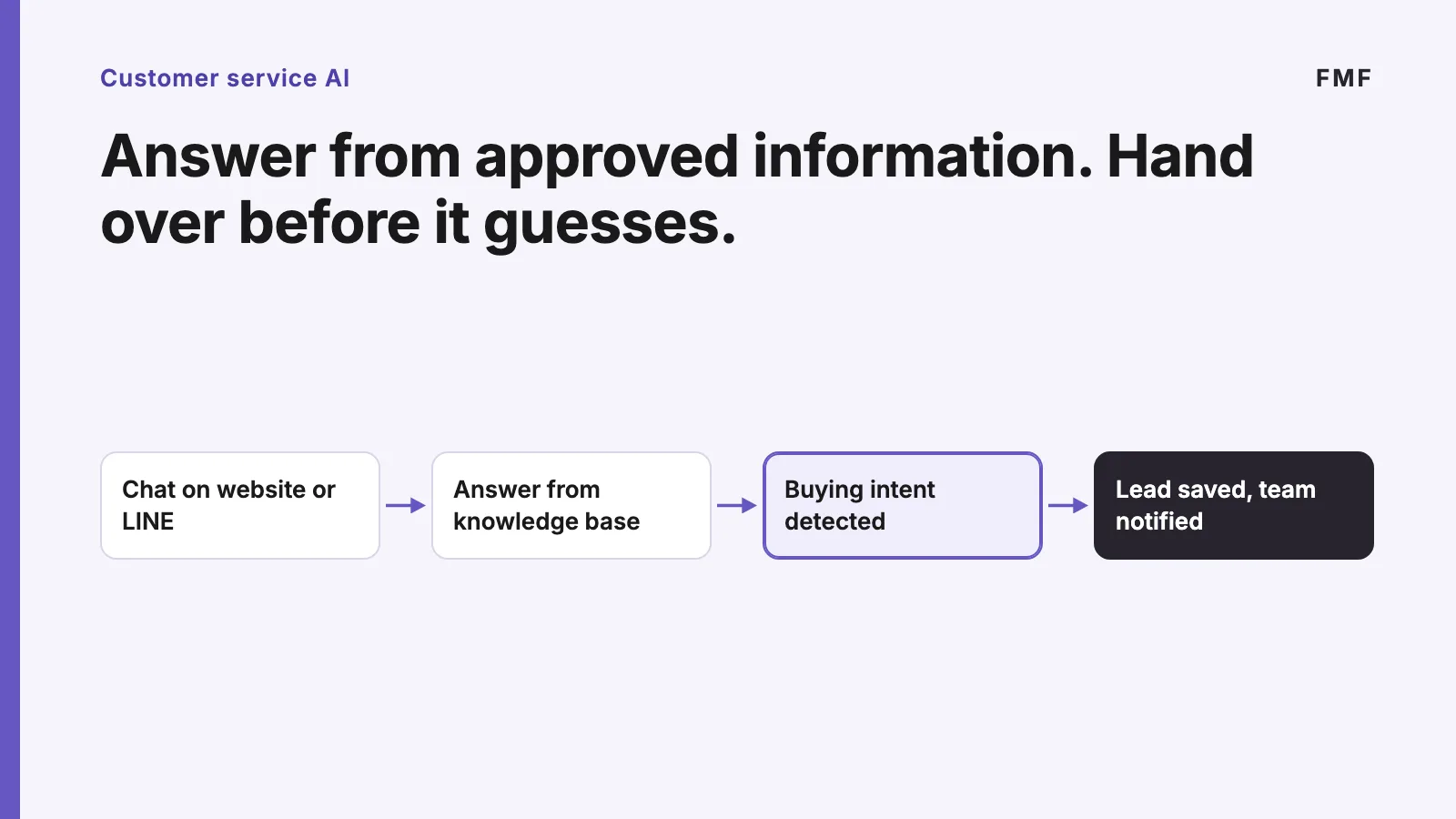
Older chatbots follow decision trees and keyword rules. Current AI assistants use a language model to understand a question and answer from approved content, such as a product catalogue or an internal knowledge base. They handle variation in how people ask. By design they do not change anything in your systems; at most they collect details and hand the conversation to a person. Their main risk is a wrong or invented answer, which is why good assistants answer only from sources you control.
Agentic AI
An AI agent receives a goal, decides the next step, uses a tool (search a database, read an email, update a record, call an API), looks at the result and decides again until the task is done or it needs a person. It can cope with inputs no one scripted in advance. Because it acts, its risk is a wrong action rather than a wrong answer, so its permissions, approvals and logs matter as much as the model.
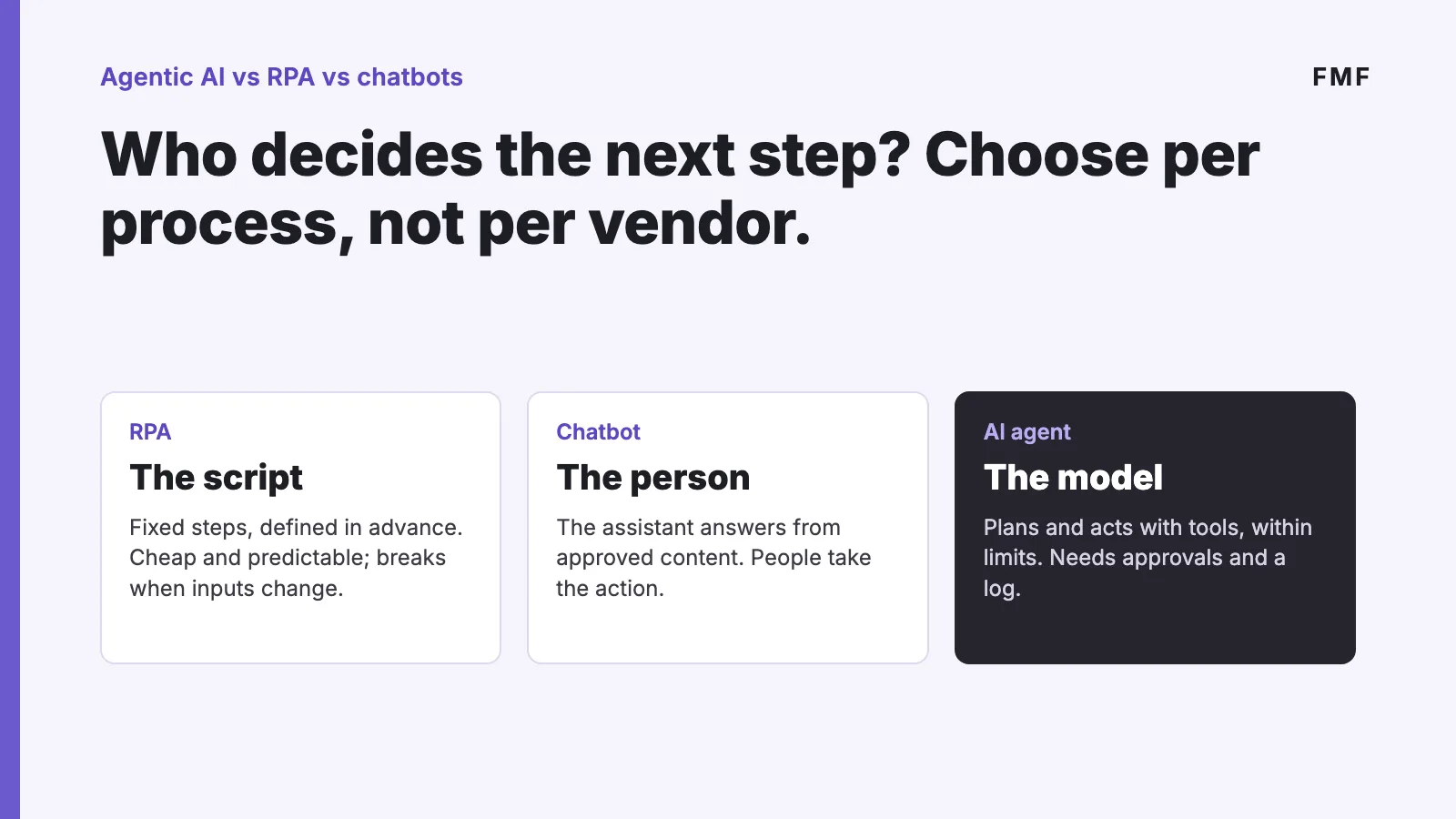
Who decides the next step?
The core difference is where the logic lives: in a script, in an answer, or in a plan the model makes at run time.
RPA
The script decides
- A developer defines every step in advance
- The bot repeats them exactly
Chatbot
The person decides
- The assistant supplies an answer
- A person takes the action
AI agent
The model decides
- Plans the next step at run time
- Acts within the tools and rules it is given
Side-by-side comparison
| RPA / rules-based automation | Chatbot / AI assistant | Agentic AI | |
|---|---|---|---|
| Input it handles | Structured, stable formats | Free-text questions | Mixed: emails, documents, records, free text |
| Output | The same action every time | An answer or a hand-off | A sequence of actions toward a goal |
| Predictability | High | Medium; depends on sources | Lower; must be measured and bounded |
| Typical failure | Breaks or runs on wrong data after a change | Wrong or invented answer | Wrong action, or a loop that wastes calls |
| Running cost | Licence or hosting; almost no cost per run | Model usage per conversation | Model usage per step; several steps per task |
| Main maintenance | Fixing scripts when systems change | Keeping content current | Tuning instructions, tools and limits; reviewing logs |
| Audit | Simple: the script is the rule | Conversation logs | Needs a log of every tool call and decision |
Business applications for each
Where RPA and fixed automation fit
- Moving data between systems that do not share an API, on screens that rarely change.
- Daily or monthly routines with fixed rules: exporting reports, reconciling two files with the same columns, creating records from a standard form.
- High-volume steps where the cost per run must be close to zero.
Where chatbots and assistants fit
- Customer questions about products, prices, opening hours or order status, answered from approved content, with hand-off to staff. See AI customer service agents.
- Staff questions about procedures and policies, answered from an internal knowledge base with sources. See AI knowledge base for companies.
- Lead qualification on a website: asking the right questions and passing a complete enquiry to sales.
Where agentic AI fits
- Reading unstructured inputs, such as supplier emails or scanned delivery notes, deciding what they are and updating the right record, with mismatches queued for a person.
- Collecting missing information for a request across several systems before routing it to the right team.
- Preparing work for approval: a weekly report drafted from several sources, a CRM update drafted from a call note, a fix proposed for a broken web page.
Limitations to plan for
- RPA is brittle. Every change to a connected screen or file is a potential outage. Budget for monitoring and for someone who fixes scripts quickly. Where an API exists, an API integration is usually more stable than screen automation.
- Chatbots are only as good as their content. Outdated or conflicting documents produce confident wrong answers. Someone must own the content and review unanswered questions.
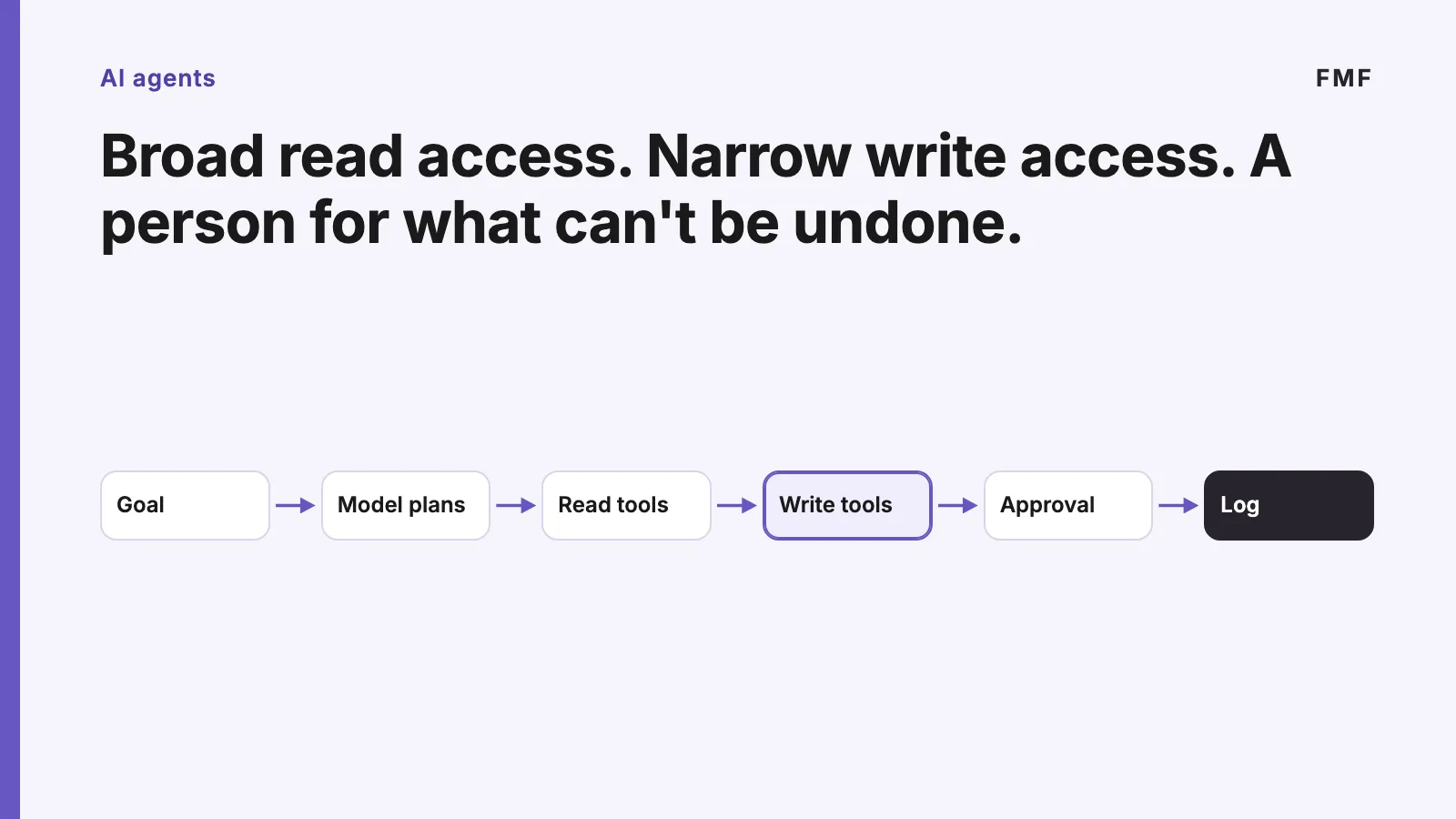
- Agents are not deterministic. The same input can produce a different sequence of steps. You need test cases, measured accuracy, limits on actions and spending, and human approval for anything hard to undo.
- Agents can be manipulated by their inputs. An email or web page can contain instructions written to mislead the model (prompt injection). Limit what the agent can reach so that following such text could do little harm.
- Agent costs grow with steps. A task that takes ten tool calls costs roughly ten model calls. Measure cost per completed task, not per call.
How to choose: five questions per process
Choose per process, not per company. Answer these for the specific task you want to automate:
- Does the task produce an answer or an action? If people only need information, start with an assistant. If something must change in a system, continue.
- Are the inputs and steps the same every time? If yes, use rules-based automation or RPA. It is cheaper to run and easier to audit.
- Is there an API? If the systems have APIs, build an API integration for the fixed steps. Use screen-based RPA only where no API exists.
- Does part of the task need judgement on varied input? If yes, add an agent for that part only, and keep the fixed steps scripted.
- Can a mistake be caught before it does harm? If not, keep a person in the loop or do not automate that step yet.
A typical hybrid process
Example: supplier invoices arriving by email. Hypothetical illustration.
- ScriptCollects new emailsFixed rule, runs every hour
- AgentReads each invoiceVaried layouts, extracts fields
- RulesMatches purchase ordersExact checks on amount and supplier
- PersonApproves exceptionsOnly mismatches reach staff
- APIPosts to accountingLogged, reversible
Replacing or extending existing RPA
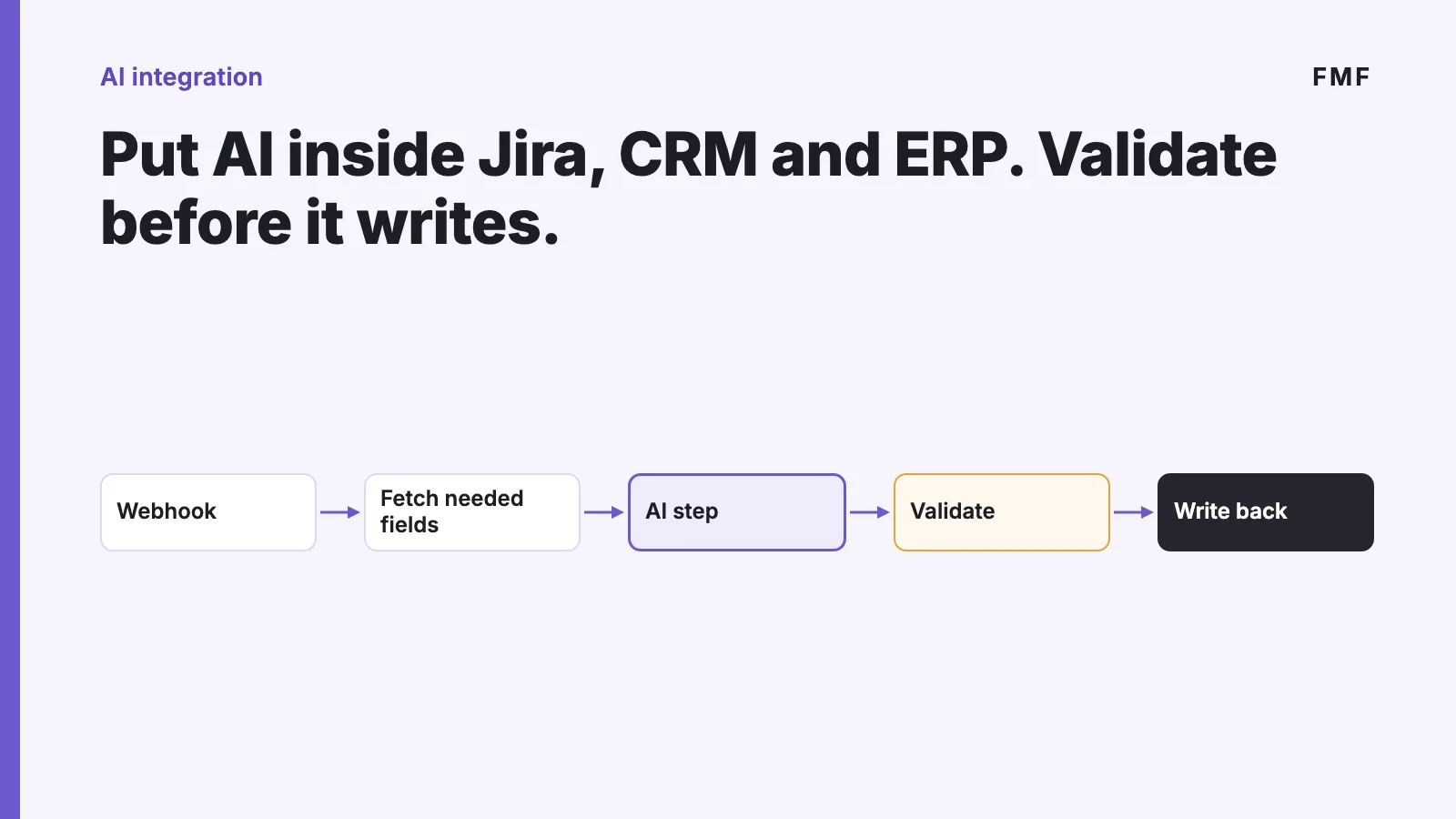
Companies that already run RPA do not need to replace it. Keep bots that run reliably. Look at the ones that fail most often or need the most manual exceptions: those usually break because the input varies. Add an agent to handle the varied step, or replace screen automation with an API integration where the target system now offers one. Our guide to integrating AI with existing business systems covers the integration side.
How FMF approaches the choice
FMF starts from the process, not the technology. We map one workflow step by step, mark which steps are fixed, which need judgement and which must stay with a person, and check which systems have usable APIs. The result is often a mix. FMF's published integration work shows the fixed-automation side: in the VIN data collection project, data is collected from three external sources in parallel, failed requests are retried up to three times, and results go into internal systems and XLSX reports. The AI Wiki portal shows the assistant side: a knowledge base with an AI assistant and role-based access.
FAQ
Is agentic AI replacing RPA?
Not for stable, high-volume steps, where scripted automation is cheaper and more predictable. Agents take over the steps that scripts handle badly: varied inputs and exceptions. Most companies will run both.
Is an AI chatbot the same as an AI agent?
No. A chatbot answers; an agent acts. A chatbot becomes agent-like when it is given tools that change data, such as booking an appointment or updating an order, and then it needs the same permissions and approvals as an agent.
Which is cheapest to run?
Rules-based automation costs almost nothing per run once built. Chatbots and agents add model usage per conversation or per step. Compare the full cost per completed task, including the time people spend reviewing and fixing errors.
Where should a company start?
With one frequent process that has a clear definition of a correct result. Measure how long it takes and how often it goes wrong today, then choose the simplest technology that fixes that.
Next step
Write down one process: its steps, the systems it touches, how often the input varies and which actions need sign-off. That is enough to decide which parts should be scripted, which need an assistant and which justify an agent.
Map one process with FMF
FMF can review one workflow, mark which steps suit fixed automation, an AI assistant or an agent, and build the result with approvals and an audit trail. Tell us the process, the systems involved and where it goes wrong today.
Explore AI business automation services and see the VIN integration case.
Review a process with FMF Chat with us on LINE