info@fmf.co.th
 (+66) 097-034-6625
 LINE it!
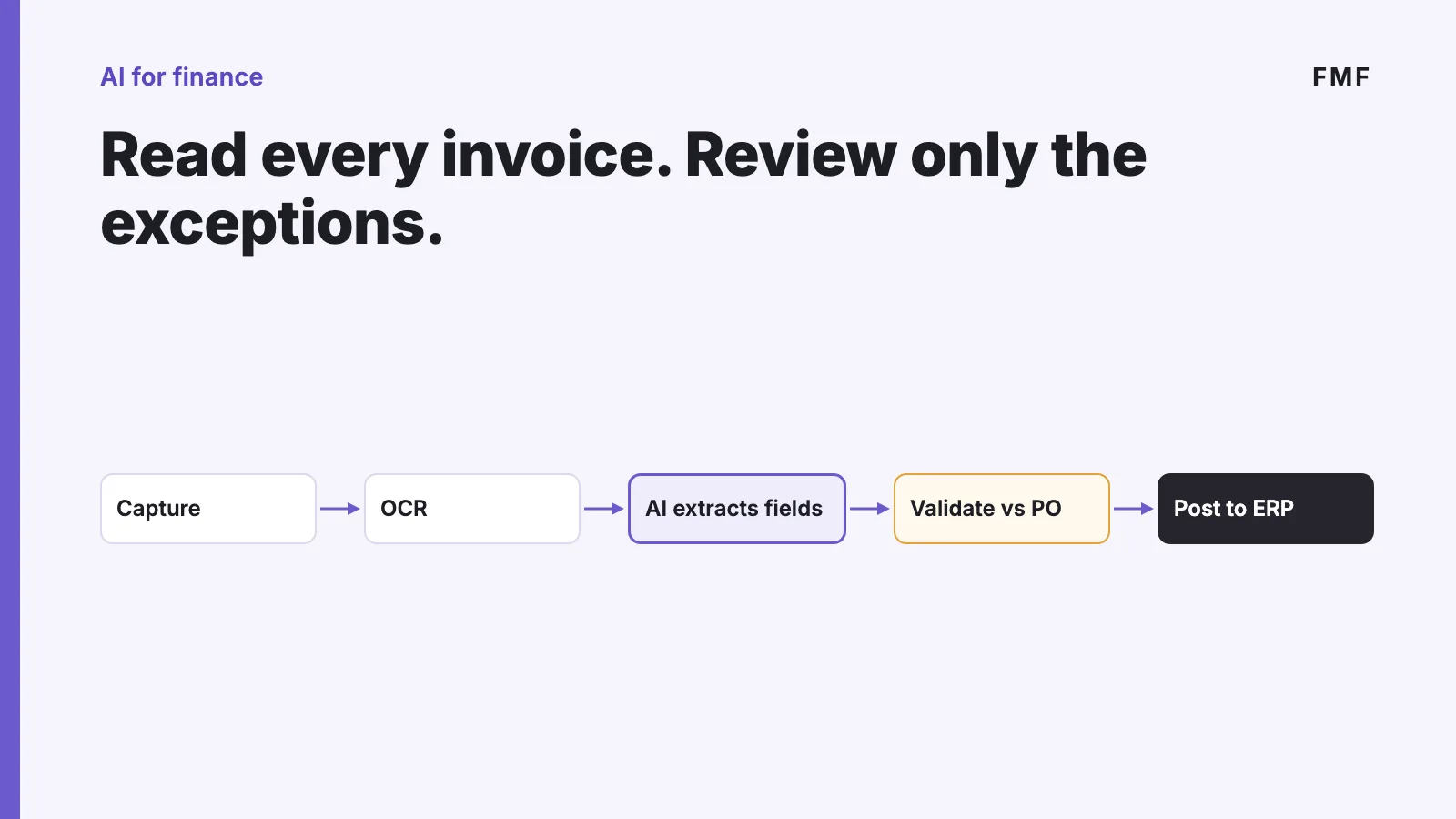
For finance teams, the most practical use of AI is intelligent document processing: reading invoices, receipts and other documents, extracting the fields, checking them against purchase orders and master data, and posting the result to the accounting or ERP system, with people reviewing only the exceptions. OCR turns the image into text; AI understands which text is the supplier, the tax ID, the amount and the due date, even when every supplier uses a different layout. Validation rules and system integration decide whether it is safe to post.
This guide is for finance managers, controllers and IT teams in Thailand who still key in supplier documents. It explains how the pipeline works, what each part can and cannot do, which checks keep errors out of the books, how to integrate with existing systems, and how to measure the result. It uses FMF's published document and VIN recognition project as evidence of what OCR and data extraction deliver in practice.
OCR, AI extraction and validation: three different jobs
| Part | What it does | Where it fails |
|---|---|---|
| OCR | Turns a scan, photo or image-based PDF into text | Poor scans, stamps over text, handwriting, mixed Thai and English |
| AI extraction | Finds the fields in that text: supplier, tax ID, invoice number, date, line items, VAT, total | Unusual layouts, ambiguous fields, documents that are not what they seem |
| Validation rules | Checks the fields: totals add up, tax ID format, supplier exists, PO and receipt match, no duplicate | Only as good as the master data and rules behind them |
| Integration | Posts approved data to the accounting or ERP system and stores the document | Missing APIs, inconsistent supplier codes between systems |
Many projects underestimate the last two rows. Extraction accuracy matters, but validation and clean master data are what keep a wrong amount from reaching the ledger.
How an invoice pipeline works
From supplier document to posted entry
Straight-through for documents that pass every check; a person only for exceptions.
- CaptureEmail, upload or scanOne inbox for all documents
- OCRImage to textThai and English
- AIExtract fieldsHeader, lines, VAT, total
- ValidateMatch PO and receiptExceptions to a person
- PostERP or accountingDocument linked to the entry
Documents worth automating
- Supplier invoices and tax invoices: the highest-volume case for most companies, with matching against purchase orders and goods receipts.
- Receipts for expense claims: many small documents of varied quality, often photographed on a phone.
- Bank statements and payment confirmations: for matching payments to open invoices.
- Contracts and supporting documents: extracting dates, parties and amounts for review, not for automatic posting.
Where suppliers can send structured electronic documents, such as e-Tax Invoices issued through the Thai Revenue Department's system, use the structured data directly instead of reading a PDF. Document AI is for the documents that still arrive as images or unstructured files.
Validation checks that keep errors out of the books
- Arithmetic: line items add up to the subtotal, VAT matches the rate, the total is consistent.
- Master data: the supplier tax ID exists in the supplier list and matches the name; bank details have not changed without approval.
- Matching: invoice against purchase order and goods receipt (three-way match), within agreed tolerances.
- Duplicates: same supplier, invoice number and amount already posted.
- Confidence: fields the AI is unsure about go to a person, even if the rules pass.
A changed bank account on an otherwise normal invoice is a classic fraud pattern. Treat it as a mandatory human check, never as something AI can approve.
Evidence: FMF's vehicle data and document recognition project
FMF's published vehicle data automation project includes the same building blocks a finance pipeline uses. According to the case page, the system extracts VIN codes from images and scanned documents, processes text from registration papers, contracts and insurance policies using OCR (Tesseract OCR and Google Vision API), verifies VIN codes against manufacturer databases, cross-checks documents with vehicle catalogs, generates reports and digital documents, and connects through REST API and webhooks.
The published results include VIN and text recognition in under one second per car instead of 5–10 minutes of manual data entry, and ten times faster document generation. This project is in automotive data, not accounting: it shows FMF's experience with OCR, extraction, verification against reference data and integration, not an invoice processing deployment.
Integration with existing systems
- Accounting or ERP API for creating supplier invoices or journal entries, with the document attached or linked.
- Master data sync for suppliers, purchase orders and goods receipts, so validation works on current data.
- Approval workflow for exceptions, ideally in the system the team already uses.
- Audit trail: the original file, what was extracted, what a person changed and who approved.
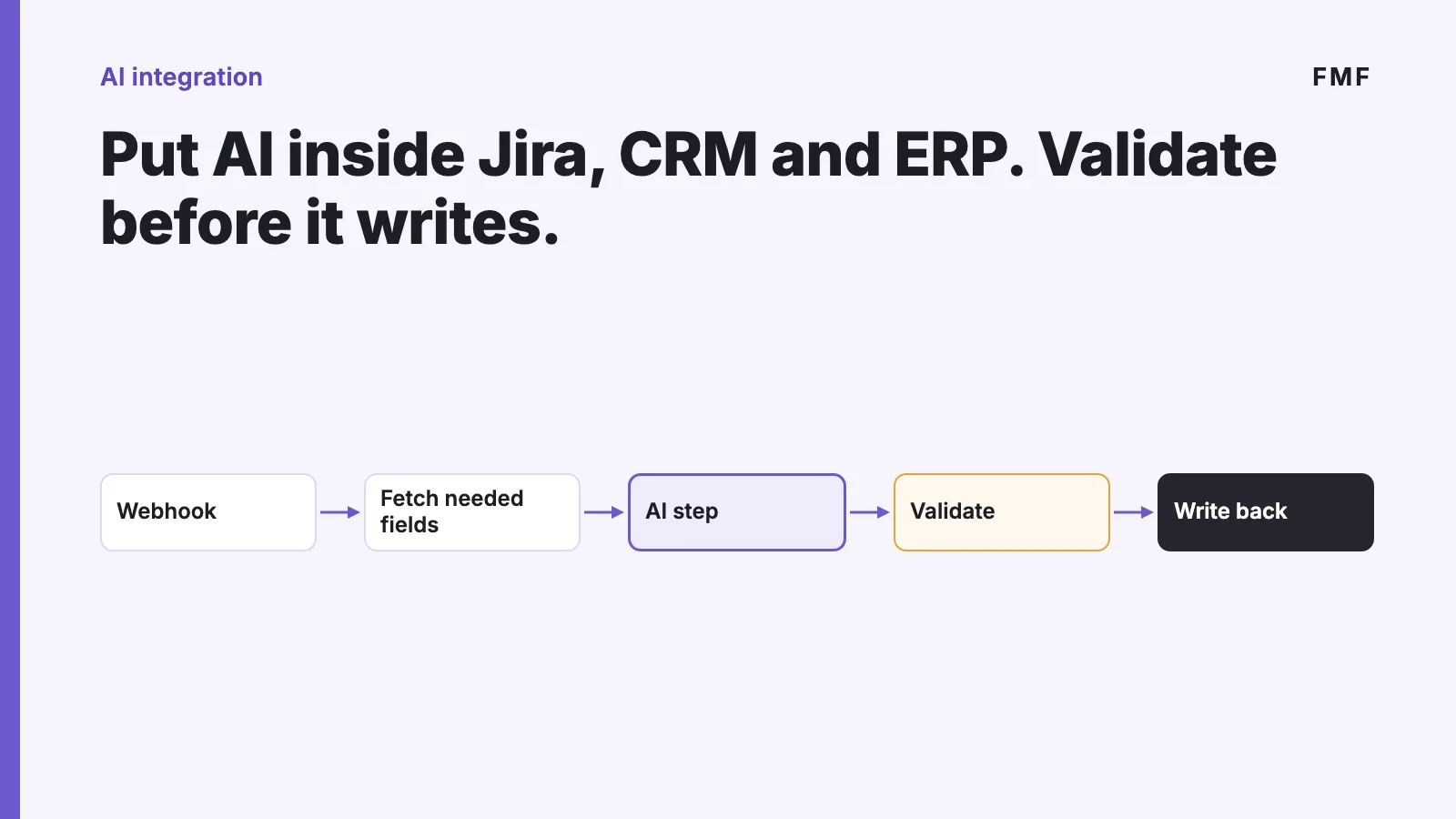
Our guide to integrating AI with existing business systems covers service accounts, retries and output validation in more detail.
How to measure the result
| Metric | How to read it |
|---|---|
| Touchless rate | Share of documents posted without anyone editing a field |
| Field accuracy | Checked on a reviewed sample per field, especially amounts, tax ID and dates |
| Time per document | Including review of exceptions, compared with manual entry |
| Errors after posting | Corrections, duplicate payments, supplier queries. The number to keep at zero |
| Cycle time | From receipt of the document to approval, which affects early-payment discounts and supplier relations |
A pilot in five steps
- Choose one document type and collect 100–200 real, anonymised examples from your main suppliers, with the correct values.
- Measure the baseline: documents per month, minutes per document, error and correction rate.
- Run extraction and validation in review mode: every document is checked by a person, and corrections are recorded.
- Set thresholds for straight-through posting per field and per supplier, based on measured accuracy.
- Integrate and extend to the next document type once posting errors stay at zero.
FAQ
Can AI read Thai invoices?
Current OCR and AI models handle Thai and mixed Thai-English documents, but quality varies with scan quality, fonts and layout. Test on your own documents before choosing a tool.
Is OCR alone enough?
For a single, fixed layout, template-based OCR can work. With many suppliers and changing layouts, AI extraction reduces template maintenance. Validation rules are needed in both cases.
Will AI replace the accounts payable team?
It removes data entry. People still handle exceptions, supplier queries, approvals and controls, and those tasks become a larger share of the work.
Where is our financial data processed?
That depends on the OCR and AI services you choose. Check processing location, retention and whether data is used for training, and keep documents with personal data under PDPA rules.
Illustrative budget
Planning scenario. These figures apply FMF's standard rate of THB 1,000 per hour to hypothetical inputs. FMF quotes each project after scoping.
For one document type (supplier invoices), extraction with validation against purchase orders, an exception queue and posting through an existing ERP API, assume 120 hours of delivery work (15 eight-hour days): a THB 120,000 build. OCR and model usage depend on document volume. If 1,000 invoices a month each save four minutes after review at THB 300 per hour, recovered time is worth THB 20,000 a month, so simple payback is about six months before running costs, and longer once OCR, model and hosting costs are included.
Next step
Count how many supplier documents your team keys in each month, how long each takes and how often entries are corrected. That is enough to scope a document processing pilot.
Automate finance documents with FMF
FMF can test extraction on your own documents, build validation against your purchase orders and master data, and integrate approved entries with your accounting or ERP system. Tell us the document type, monthly volume and the system it must reach.
Explore AI business automation services and see the vehicle data and document recognition case.
Discuss document automation Chat with us on LINE